
Settings
Manage your account, teams, and authorized agent sessions.
Settings is a sub-shell with a left rail of five sections: Account, Teams, Agents & devices, Notifications, and Billing. The active section is reflected in the URL, so deep links and refreshes both land in the right place.
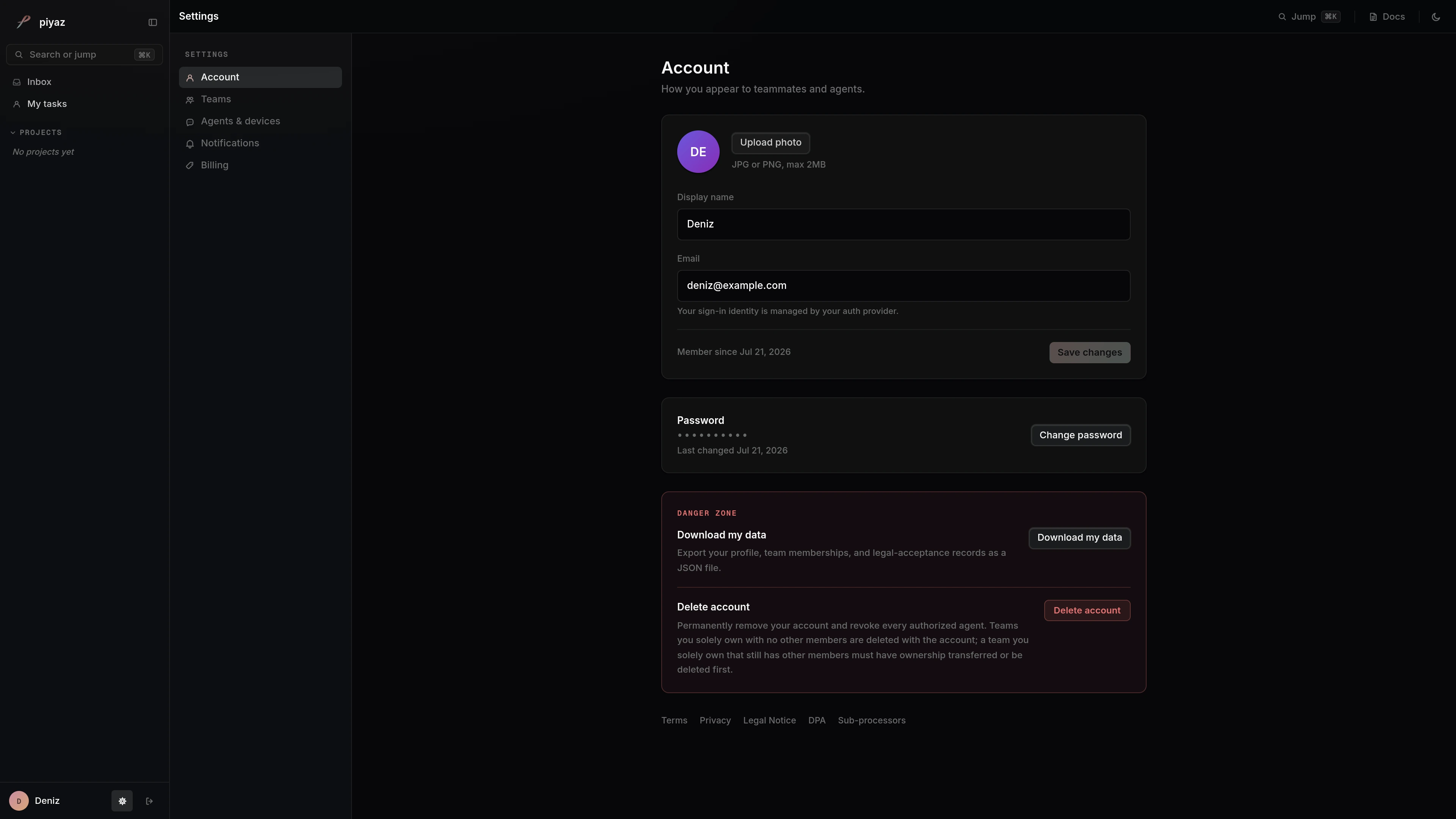
Account
Your identity card shows your avatar, email, and display name. The display name is editable and saves on submit. Changing your email requires approval from your current address, because it is your sign-in identity. A "member since" line shows when you joined, and a password card lets you change your password. A danger zone holds a data export (your profile, team memberships, and legal-acceptance records as a JSON file) and a self-serve account-deletion control that permanently removes your account and personal data after a confirmation step.
Teams
Piyaz is team-scoped, and this section lists every team you belong to, sorted by role (owner, then admin, then member). From here you create a new team or join one with a 21-character invite code. Selecting a team opens a management panel where, depending on your role, you can edit team identity, invite members by email or invite code, review pending invitations, manage members, and (for owners) delete the team.
Agents & devices
This section lists the OAuth sessions authorized to act on your behalf over MCP, grouped into cards for Claude Code, Codex, Antigravity, and Cursor, plus a catch-all for other clients. These are the connections you create when you follow a connect guide such as Connect Claude Code. You can revoke a single session or revoke all of them at once. Changing your password revokes every session automatically.
Notifications and Billing
Both sections are placeholders. Notification preferences and billing are not available yet.
Where settings fit
Account changes are how teammates and agents see you. Team membership is what scopes which projects you can read and write. Revoking an agent session here cuts off a client's access without changing your password.
Last updated